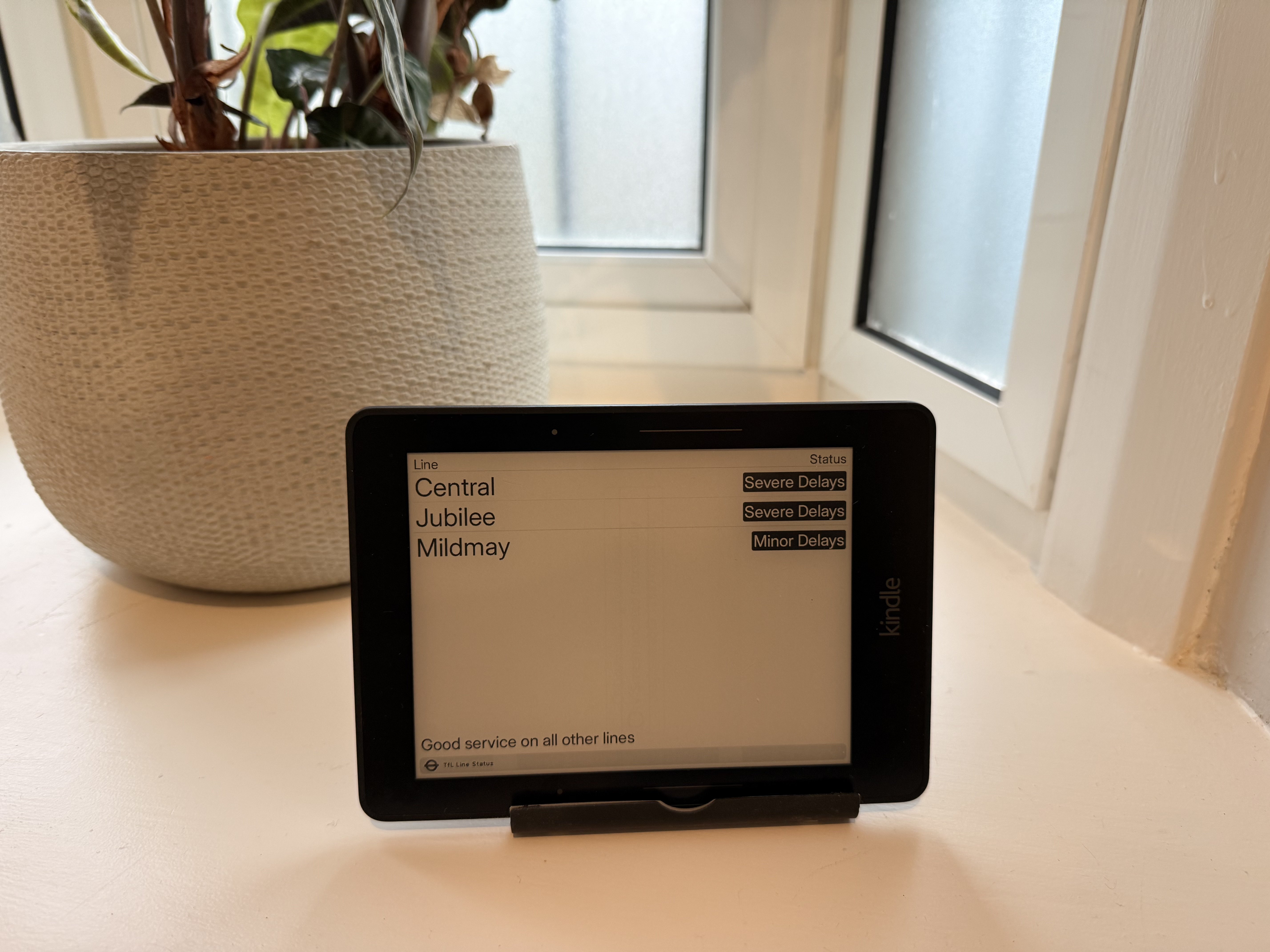
I’ve written before about TRMNL - it’s a great project. During a recent cleanout, i found an old Kindle Voyage in the back of a drawer. As well as supporting their own devices, TRMNL offers a “BYOD” licence and, if you manage to get it up and running on a device that nobody else has published before, they even give you back some of the licence fee!
TRMNL is an awesome open-source ePaper display that lets users show almost anything they want. Launched on Kickstarter, it’s now got thousands of plugins and users. I’ve published a few plugins myself. A few weeks ago, TRMNL added an MCP server. This lets you use a local coding agent to do most of the grunt work. I wrote about how to set that up in another post.
Secret disclosure
As soon as i’d set up the MCP server, i asked Claude to test it against a plugin i’d already built and deployed. The model called IntegrationsShowTool with no arguments. The response included:
TRMNL is an awesome open-source ePaper display that lets users show almost anything they want. Launched on Kickstarter, it’s now got thousands of plugins and users. I’ve published a few plugins, including a realtime TfL bus stop arrival time board.
A few weeks ago, TRMNL added an MCP server. This lets you use a local coding agent to do most of the grunt work.
Install the MCP server through .mcp.json
Using Claude Code, i created a simple .mcp.json file which references the API key by environment variable. Place this in the root of your repo. As it contains no secrets, this is safe to commit:
To stop my API keys being sucked up by some random malware, I keep secrets in 1Password and inject them into commands at runtime with op run. That works for almost everything, but when using Claude Code, i started getting a confusing error message.
Injecting MCP API keys to Claude Code
Claude Code reads MCP server config from .mcp.json and expands ${VAR} references from the environment.