
TRMNL on a Kindle
Contents
I’ve written before about TRMNL - it’s a great project. During a recent cleanout, i found an old Kindle Voyage in the back of a drawer. As well as supporting their own devices, TRMNL offers a “BYOD” licence and, if you manage to get it up and running on a device that nobody else has published before, they even give you back some of the licence fee!
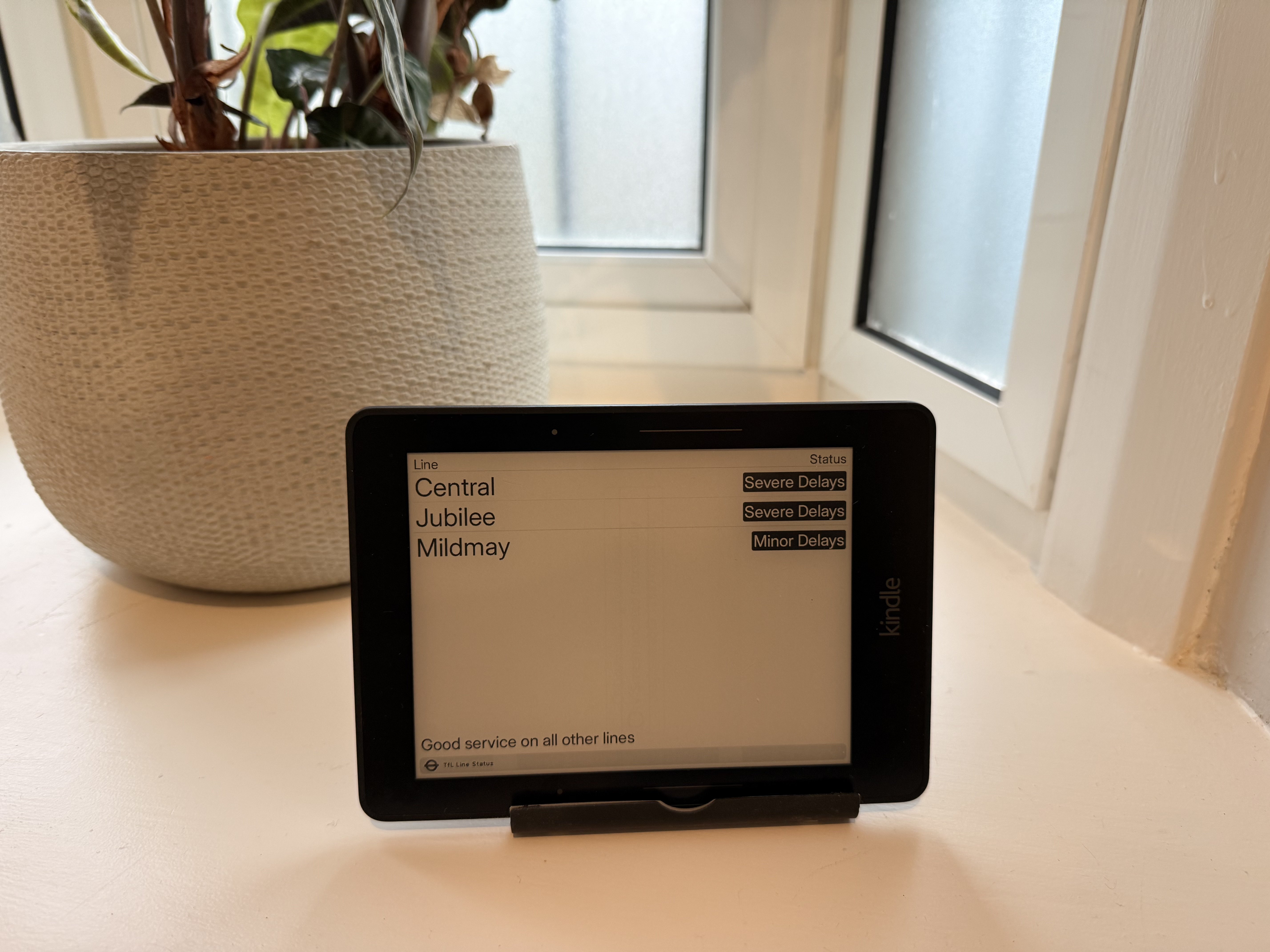
goals
- Put a TRMNL in the hall to show the Tube, bus and train status in the morning before we talk out of the door
- reuse the Kindle to make a low-power TRMNL device
- implement some sort of OTA updates, so i dont have to move it around to update it
jailbreaking the kindle
This was much easier than i thought it would be. The KindleModding site has an easy walk through - basically, you:
- plug the kindle in to the laptop and fill it with dummy data so that automatic updates dont get downloaded.
- find the serial number, enter it in to the wizard which will help you pick the correct jailbreak
- follow the instructions
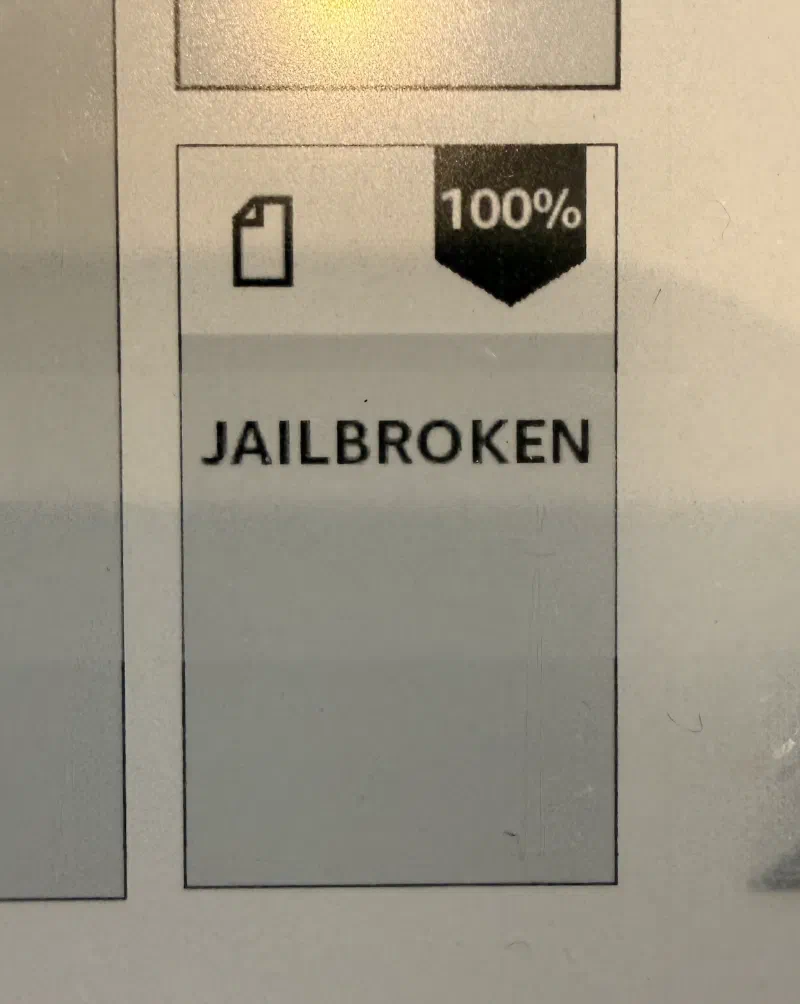
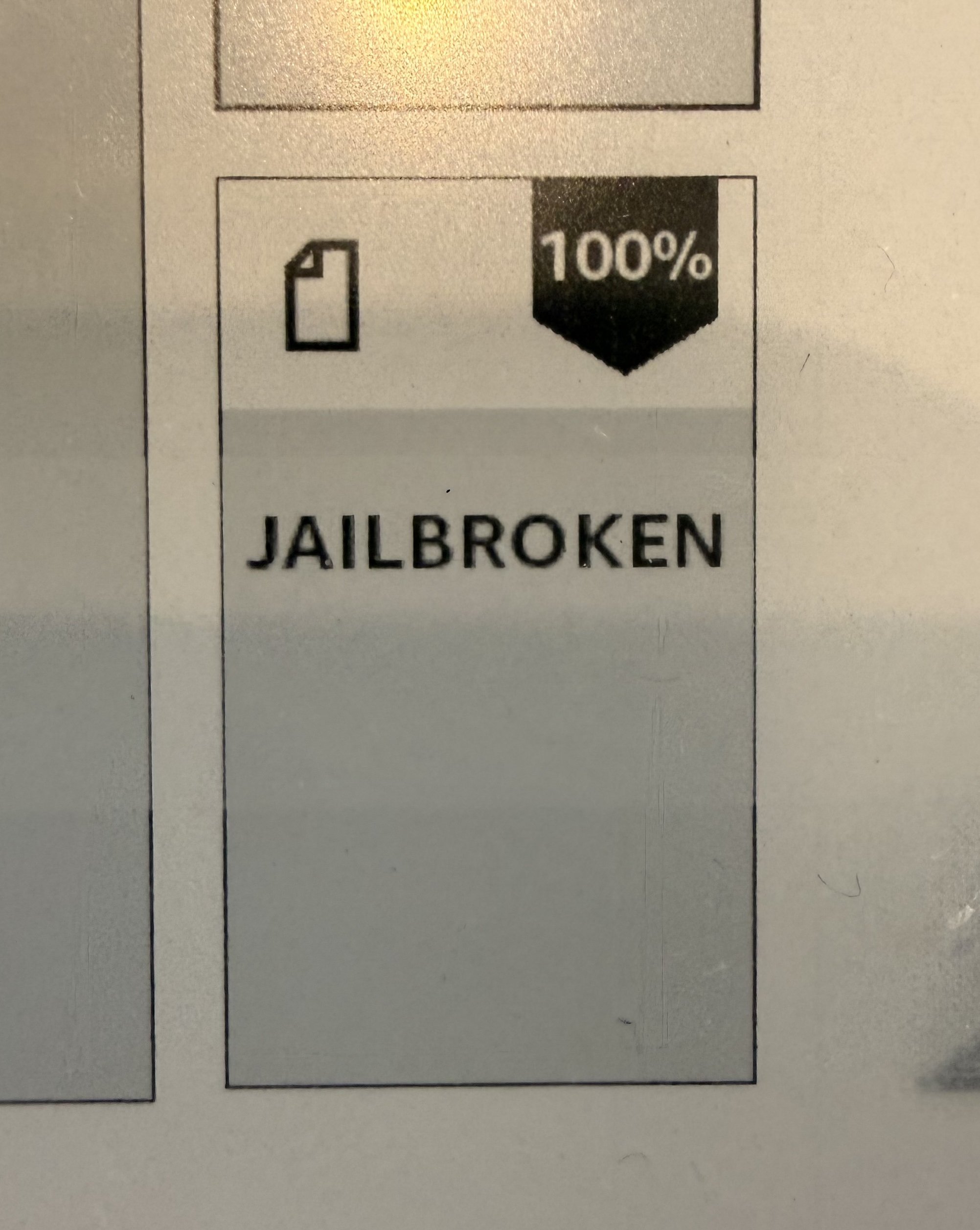
it was really easy. Took a little while, and i wasnt really sure it had finished until a new “Jailbroken” book appeared on the Kindle home screen.
Attempt 1 - KOReader + TRMNL-KOReader
KOReader is a multi-platform ebook application based around “plugins”, and TRMNL provides the TRMNL-KOReader plugin for it. TRMNL recommends this approach as they say it’s “easier”. I installed KOReader, and installed and it worked. But, there were a couple of annoyances - if you accidentally tap on the screen, TRMNL closes (which isnt great in a hallway or wherever), so I raised a PR to allow users to chose the exit mode (single tap, long press). I also raised a PR to enable taps to fetch or advance the current dashboard.
But then i started to hit some more complex problems around wifi resilience and battery life. I spent a little time seeing if i could fix it, but it’s impossible to properly update the wifi lifecycle without changing KOReader and i didnt want that (it’s much more complex than i am comfortable working on). So after pushing my PRs, i abandoned this and moved to KUAL.
Attempt 2 (which worked) - KUAL + TRMNL-Kindle
KUAL (Kindle Unified Application Launcher) is a launcher and menu system for running 3rd party/custom applications and scripts on Kindles. To prove it out, i installed TRMNL-Kindle, and this was pretty slick. I noticed that wifi recovery was a bit flakey - if it failed, it would end up permanently disabled - so i submitted a PR (which has since been merged) to handle this gracefully.
Support remote updates
There’s no over the air update mechanism for KUAL or TRMNL-Kindle. TRMNL-Kindle uses the hardware wake timer to suspend the device between refreshes - this is very energy efficient, but it means that the Kindle is unresponsive, so you can’t just tap the screen to quit TRMNL, and power cycling takes around 5 minutes. So i submitted another PR to detect when the device has been woken significantly before the expected hardware wake time. If it has, it presents a “tap to quit” button for 10 seconds (in case it was woken for another reason), and if the user taps (or presses a hardware button on a non-touch Kindle), it quits TRMNL and cleans up its timers etc.
With this done, i installed Kindle USBNetwork which provides a Dropbear SSH server. After hardening to only accept public key authentication, i can now perform updates over the network without having to plug the Kindle in to my laptop.
Conclusion
Well, i achieved my goals. I jailbroke Kindle Voyage, installed KUAL, TRMNL-Kindle, Kindle USBNetwork with Dropbear, and locked it down with SSH Key authentication. I gave back to the community with a few PRs closing the gaps i found. KOReader wasnt particually bad or broken - it just didnt do what i wanted. TRMNL-Kindle is working just fine.